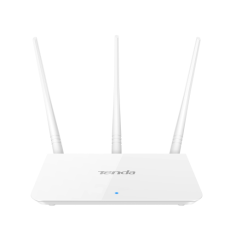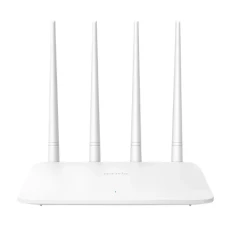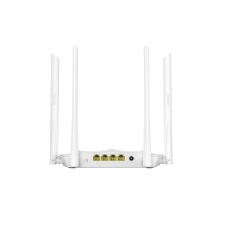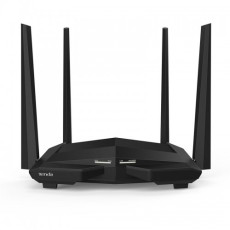

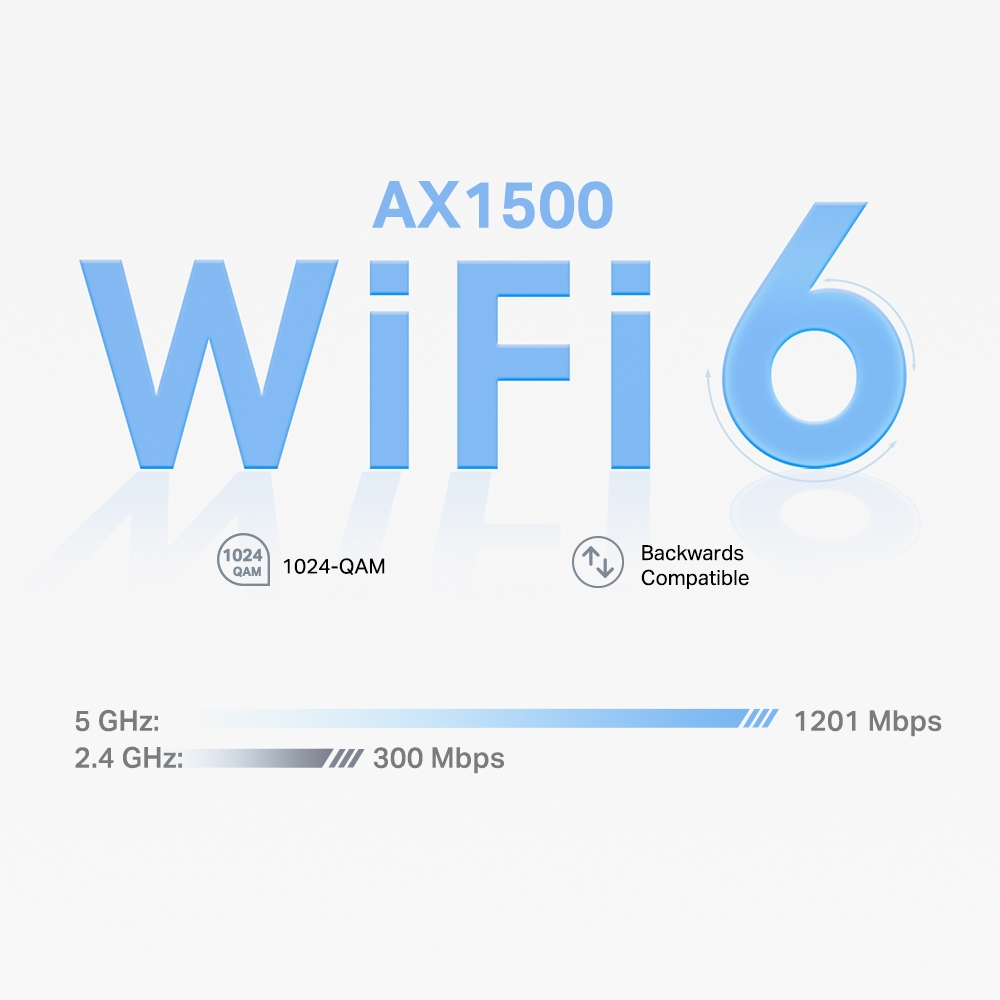
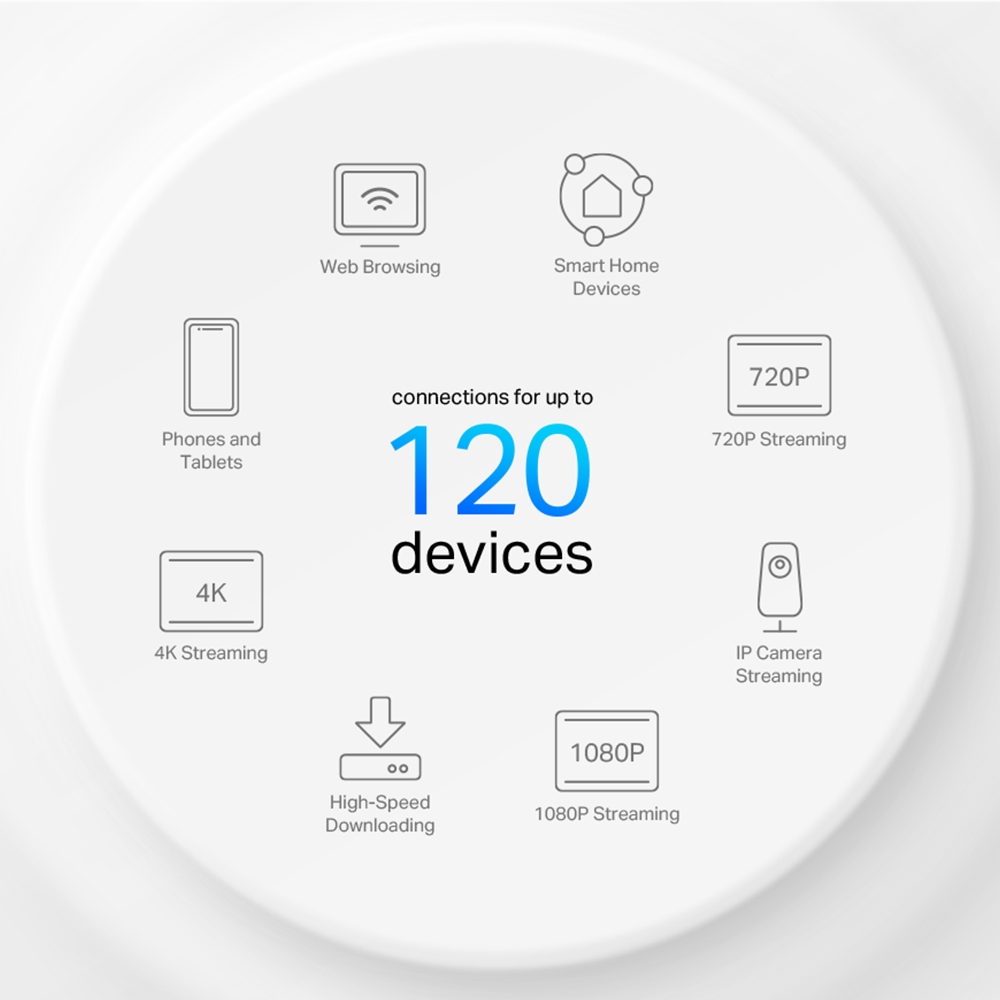
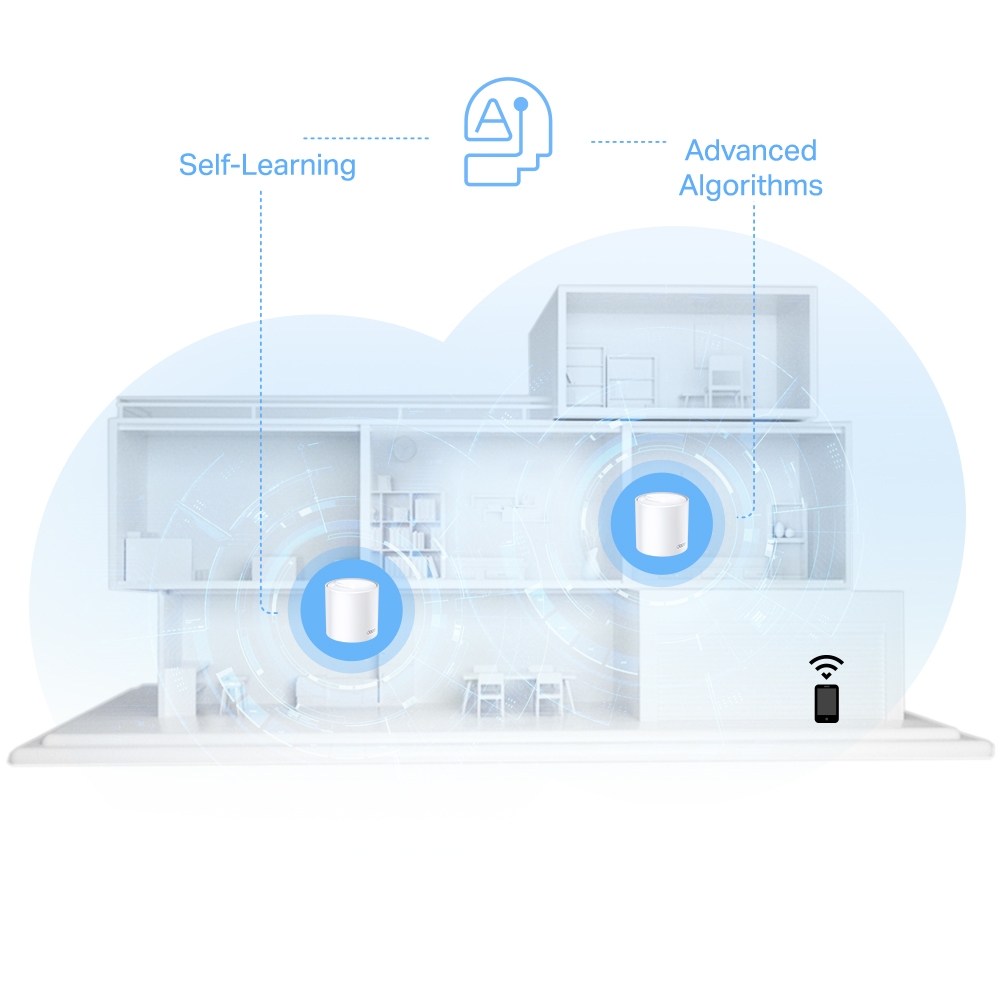
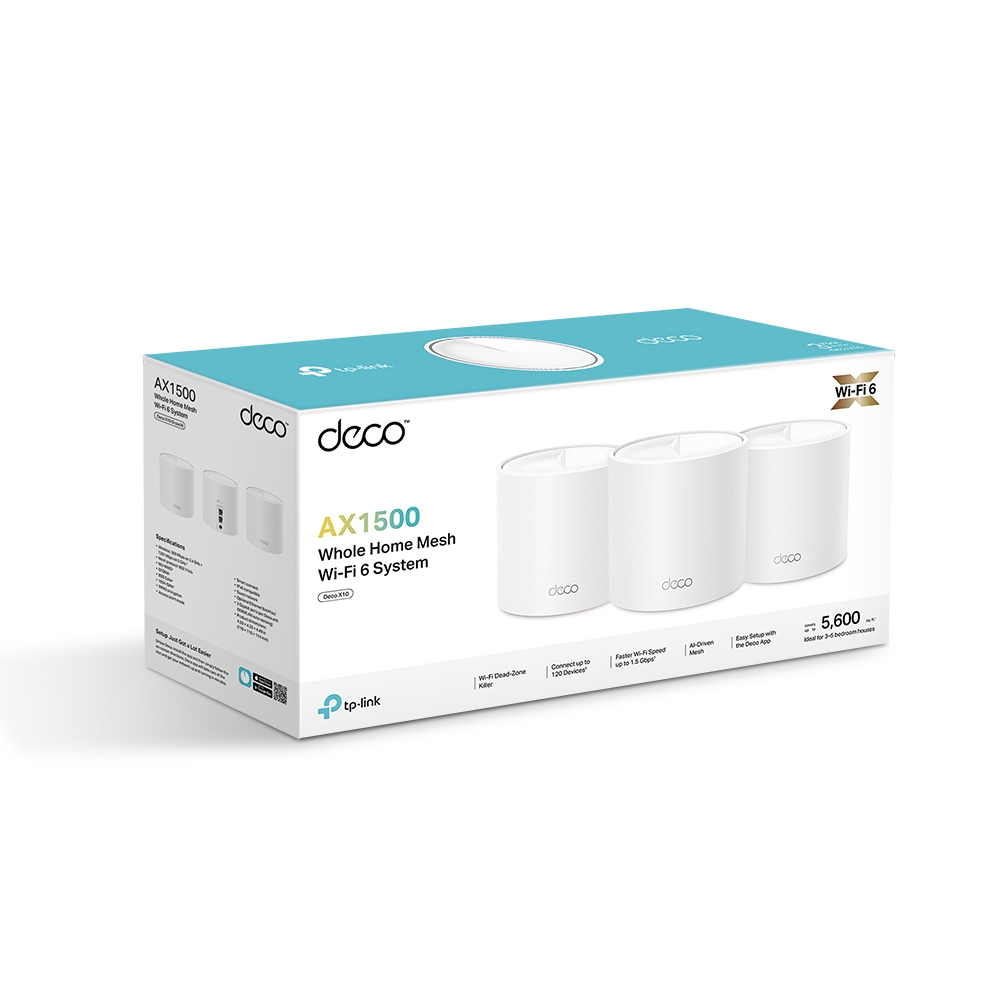
Faster Connections: Wi-Fi 6 speeds up to 1,500 Mbps—1,201 Mbps on 5 GHz and 300 Mbps on 2.4 GHz.† Connect More Devices: OFDMA and MU-MIMO technology quadruple capacity to enable simultaneous transmission to more devices.△ Boosted Seamless Coverage: Achieve seamless whole home coverage with a clearer and stronger whole home Wi-Fi signal generated by Wi-Fi 6.‡ Ultra-Low Latency: Greater reduction in latency enables more responsive gaming and video chatting. One Unified Network: Multiple units form a whole-home network that auto-selects the best connection as you move around your home. Robust Parental Controls – Limit online time and block inappropriate websites according to unique profiles you create for each family member.* Setup Made Easier Than Ever: The Deco app walks you through setup step-by-step. Read more
Maximum wireless signal rates are the physical rates derived from IEEE Standard 802.11 specifications. Actual wireless data throughput and wireless coverage, and quantity of connected devices are not guaranteed and will vary as a result of network conditions, client limitations, and environmental factors, including building materials, obstacles, volume and density of traffic, and client location.
‡Clients need to support 802.11k/v/r and may require additional set up. Performance may vary depending on the client’s device.
△Uses of WiFi 6 and other features including OFDMA, MU-MIMO, 1024-QAM, and BSS Color require clients to also support the corresponding features.
*HomeShield includes the Free Basic Plan. Fees apply for the Pro Plan. Visit tp-link.com/homeshield for more information.
Actual network speed may be limited by the rate of the product's
Ethernet WAN or LAN port, the rate supported by the network cable,
Internet service provider factors and other environmental conditions.
This Deco may not support all the mandatory features as ratified in IEEE 802.11ax specification.
Further software upgrades for feature availability may be required.
Google and Google Home are trademarks of Google LLC.
This Deco may not support all the mandatory features as ratified in IEEE 802.11ax specification.
| Specifications | Descriptions |
|---|---|
| WIRELESS | |
| Standards and Protocols | Wi-Fi 6 IEEE 802.11ax/ac/n/a 5 GHz IEEE 802.11n/b/g 2.4 GHz |
| WiFi Speeds | AX1500 5 GHz: 1201 Mbps (802.11ax) 2.4 GHz: 300 Mbps (802.11n) |
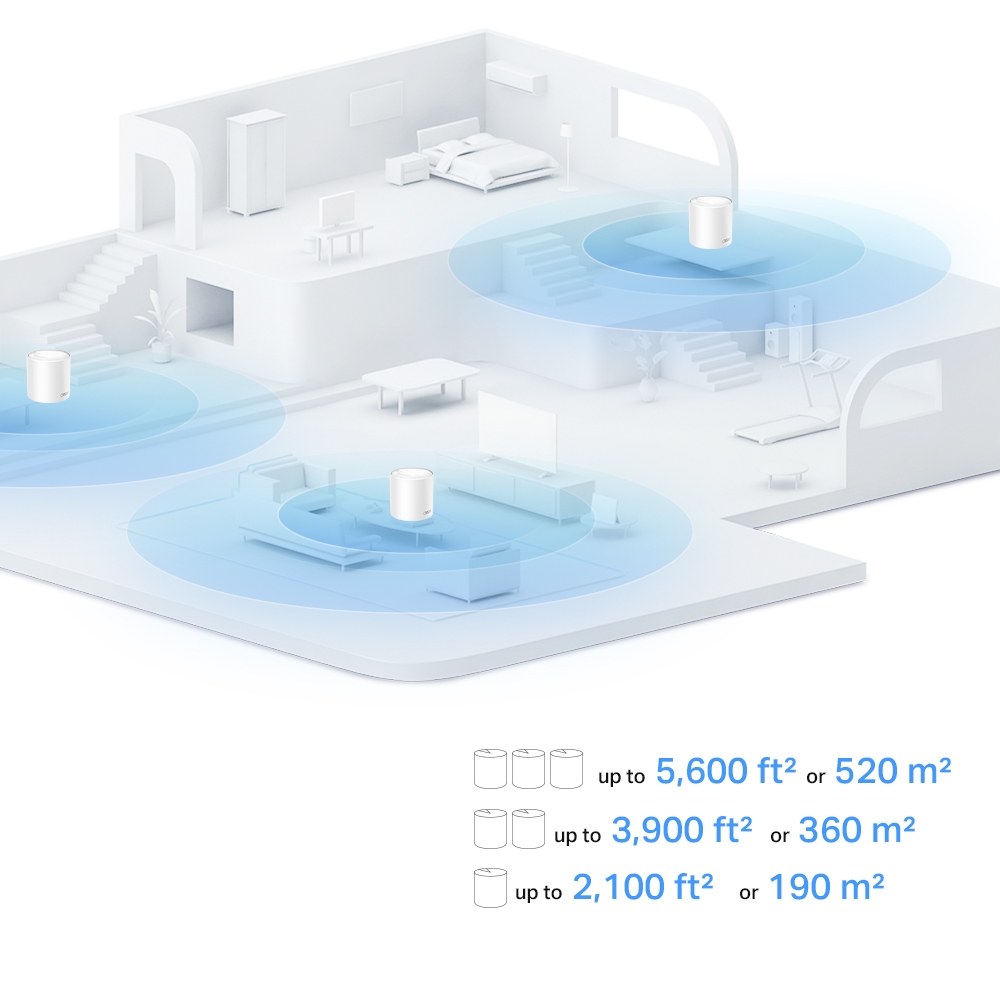
| WiFi Range | 1-2 Bedroom Houses (1-pack) 2-4 Bedroom Houses (2-pack) 3-5 Bedroom Houses (3-pack)TP-Link Mesh Technology Optional Ethernet backhaul work together to link Deco units to provide seamless coverage 2× Antennas (Internal) Multiple antennas form a signal-boosting array to cover more directions and large areas Beamforming Concentrates wireless signal strength towards clients to expand WiFi range |
| WiFi Capacity | HighDual-Band Distribute devices to different bands for optimal performance 2×2 MU-MIMO Simultaneously communicates with multiple MU-MIMO clients OFDMA Simultaneously communicates with multiple WiFi 6 clients 4 Streams More than enough bandwidth for connected devices |
| Working Modes | Router Mode Access Point Mode |
| SECURITY | |
| Network Security | SPI Firewall Access Control |
| Guest Network | 1× 5 GHz Guest Network 1× 2.4 GHz Guest Network |
| WiFi Encryption | WPA-Personal WPA2-Personal WPA3-Personal |
| HARDWARE | |
| Ethernet Ports | 2× Gigabit Ports *Per Deco Unit Supports WAN/LAN auto-sensing |
| Buttons | Reset Button |
| Protocols | IPv4 IPv6 |
| Parental Controls | Parental ControlsCustom Profiles Professional Content Filter Library Family Time Bedtime Off Time Time Rewards Family Online Time Ranking Pause the Internet Weekly and Monthly Reports |
| WAN Types | Dynamic IP Static IP PPPoE PPTP L2TP |
| Quality of Service | QoS by Device |
| Cloud Service | OTA Firmware Upgrade TP-Link ID DDNS |
| NAT Forwarding | Port Forwarding UPnP |
| IPTV | IGMP Proxy IGMP Snooping Bridge Tag VLAN |
| DHCP | Address Reservation DHCP Client List Server |
| DDNS | TP-Link |
| Management Features | Deco App |
| OTHER | |
| Network Services Enabled by Default | Web Server Manage and configure device through web (HTTP/HTTPS) • Port: 80/443 Protocol: TCP DNS DNS • Port: 53 Protocol: TCP & UDP DHCP Server IP address assignment (DHCP) • Port: 67 Protocol: UDP App management Manage and configure device through app • Port: 22 Protocol: TCP • Port: 20001 Protocol: TCP • Port: 30001 Protocol: TCP • Port: 20002 Protocol: UDP |
| TEST DATA | |
| WiFi Transmission Power | CE: <20 dBm (2.4 GHz) <30 dBm (5 GHz) FCC: <30 dBm (2.4 GHz) <30 dBm (5 GHz) |
| PHYSICAL | |
| Dimensions (W×D×H) | 4.33 × 4.33 × 4.49 in (110 × 110 × 114 mm) |
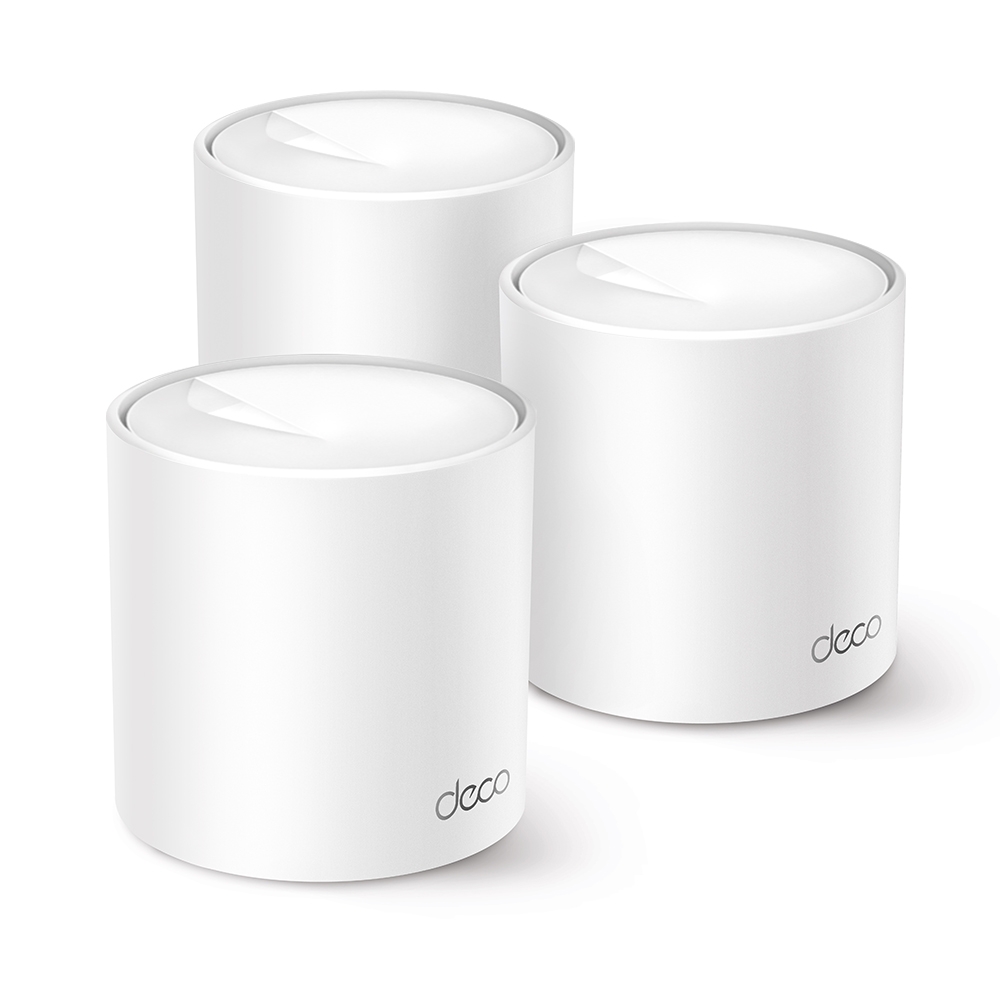
| Package Content | Deco X10 (3-pack) 3 Deco X10 Units 1 RJ45 Ethernet Cable 3 Power Adapters Quick Installation Guide Deco X10 (2-pack) 2 Deco X10 Units 1 RJ45 Ethernet Cable 2 Power Adapters Quick Installation Guide Deco X10 (1-pack) 1 Deco X10 Unit 1 RJ45 Ethernet Cable 1 Power Adapter Quick Installation Guide |
Lorem, ipsum dolor sit amet consectetur adipisicing elit. Exercitationem, facere nesciunt doloremque nobis debitis sint?